
# How to check why your EC2 instance was killed using AWS CloudTrail
Today I learned how to check why an EC2 instance was killed using AWS CloudTrail (opens new window)
Unfortunately CloudTrail's filtering capabilities aren't great so you'll have to take so some manual steps are needed.
# Check whether the instance was killed by auto scaling
If you have the instance's ID, you can filter CloudTrail by "Resource name":
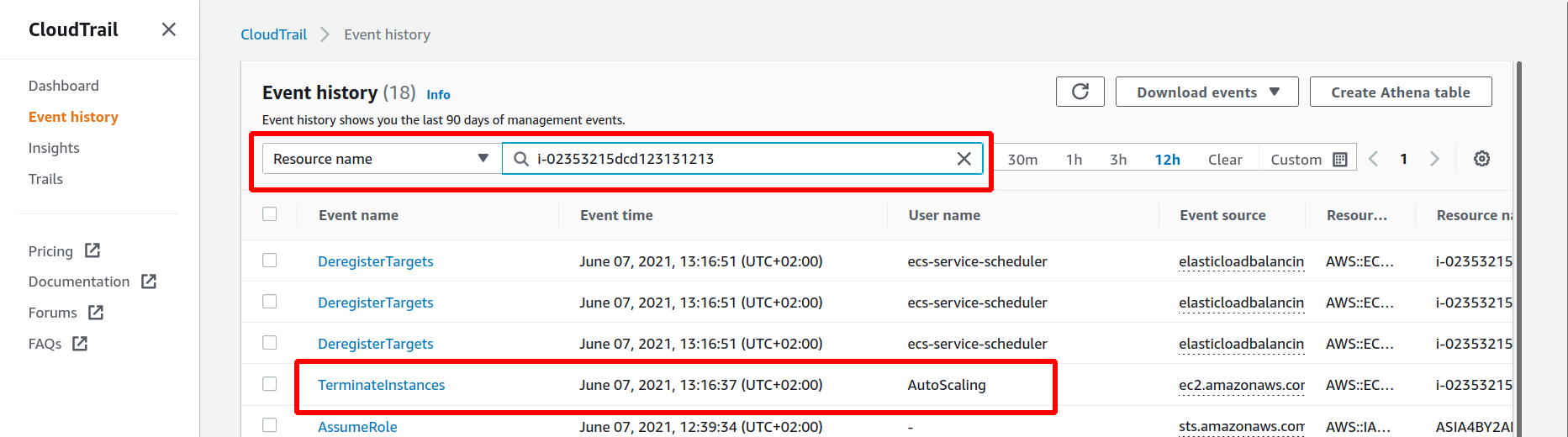
Manually check for TerminateInstances, StopInstances, or RebootInstances events by the AutoScaling user. You can read more about why Auto Scaling kills instances here (opens new window).
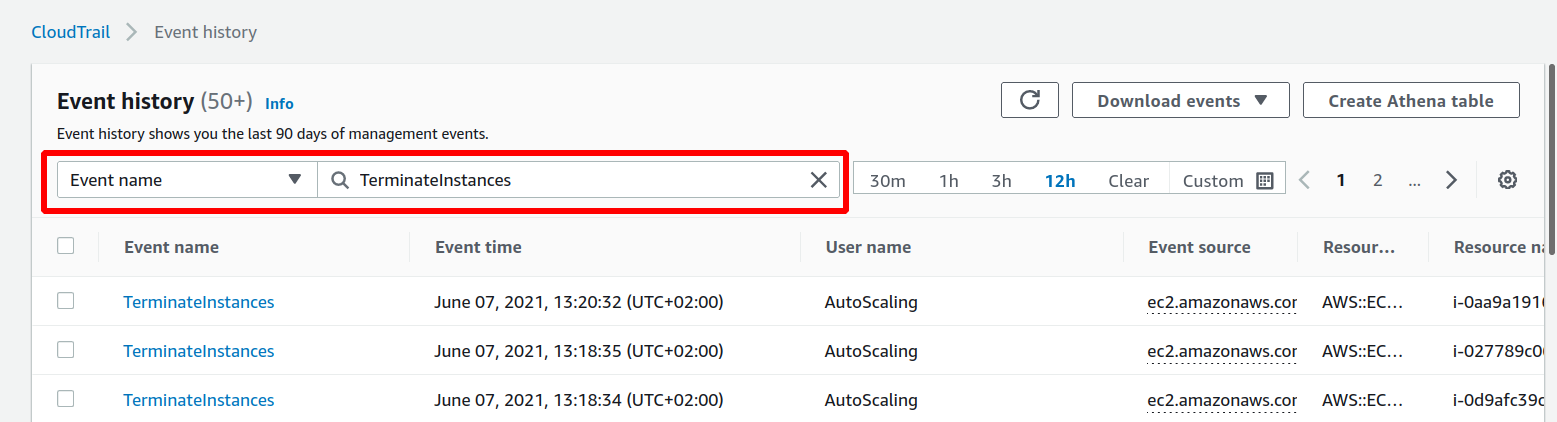
If you don't have the instance's ID, you can filter for one of the following "Event name"s: TerminateInstances, StopInstances, or RebootInstances. Check that the event was triggered by the AutoScaling user. You can click on the event to see some more information about it.
# Check whether the instance was killed by Spot Instance termination
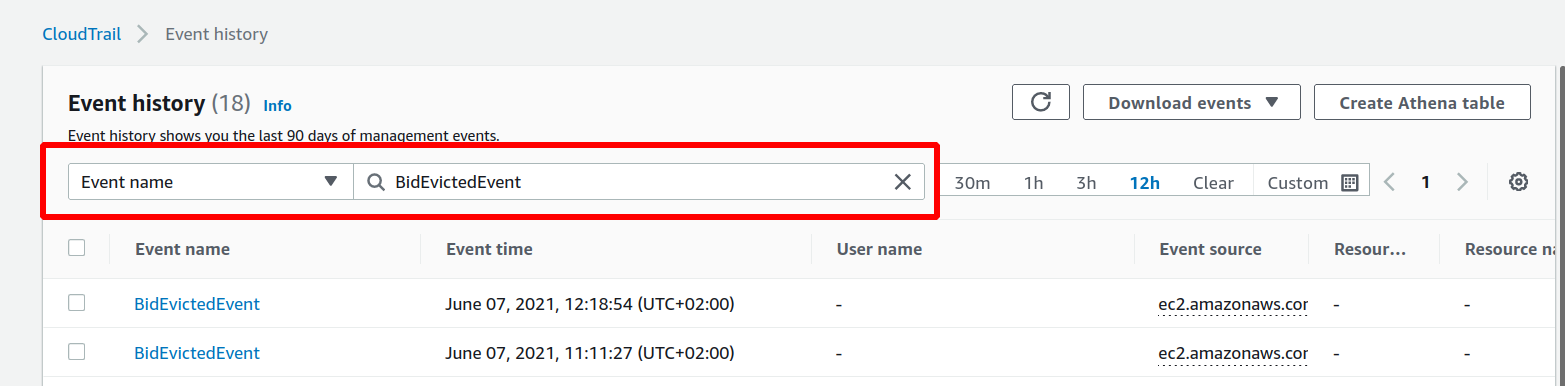
Spot interruptions generate (opens new window) BidEvictedEvent events.
You can filter for BidEvictedEvent events under "Event name":
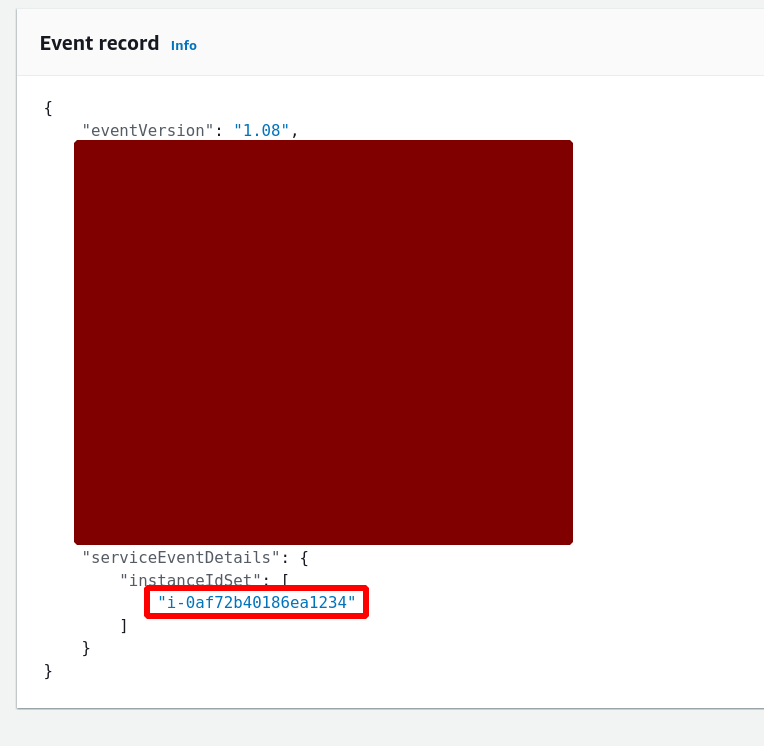
Unfortunately the EC2 instance ID isn't present in the "Resource name" field of these events. You'll have to click on the event and check whether the instance ID is listed under instanceIdSet of the serviceEventDetails of the event:
Thank you for reading my blog! If you enjoyed this post, you're welcome to subscribe via RSS here (opens new window) (I can recommend NetNewsWire on iOS).